
4K IPTV that is actually 4K
Live channels at a full 3840 by 2160, sent through your broadband to the 4K telly or Fire Stick you already own. Not an HD picture stretched to fill the screen, which is what a lot of services quietly sell you. £14.99 for 30 days.
- Genuine Ultra HD
- 7-day money-back window
- No auto-renewal

- True 4K resolution
- 3840 x 2160
- Broadband you need
- 25 Mbps
- On TVs that support it
- HDR ready
- If your line dips
- HD backup
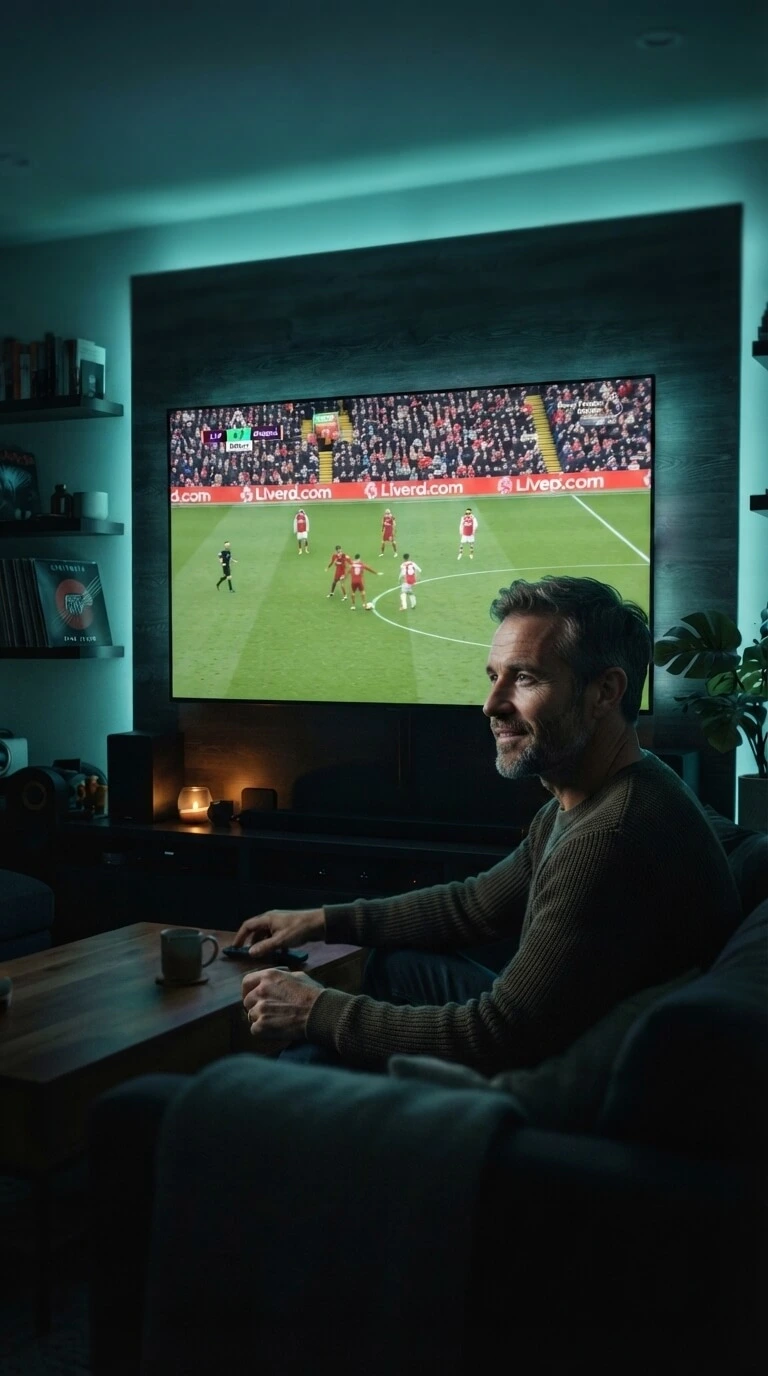
How to tell real 4K from a 4K label
Almost every service in this market advertises 4K. Far fewer deliver it, and there are three usual ways of faking it.
- 01
They stretch an HD picture
Taking an HD stream and blowing it up to fill a 4K screen is cheap and easy, and plenty of services do exactly that. It fills the screen. It does not add any detail, and on a big TV it looks soft.
- 02
They squeeze the data too hard
A real 4K picture needs a lot of data every second. Squash it far enough and you get 4K on the label with blocky patches in dark scenes and mush whenever anything moves quickly.
- 03
They quietly drop it at peak time
A service can look perfect at two in the afternoon and switch everyone down to HD at eight in the evening to save bandwidth. You paid for 4K and get it at the hours you are least likely to be watching.
The test takes two minutes. Put a 4K channel on at eight in the evening, sit at your normal distance, and look at the crowd behind the goal. Real 4K shows you individual people.
What 4K actually gives you on the sofa
Resolution numbers mean very little until you are sat in front of the telly. Here is what the difference looks like in a normal front room, and what comes with it.
-
Four times the detail
A 4K picture holds four times as many dots as HD. On a big screen you see grass, faces and shirt numbers instead of a soft blur.
- 3840 x 2160 picture
- Sharp on 50 inches and up
- Text and scores stay readable
- Close-ups look like the stadium
-
Films the way they were shot
Most new films are finished in 4K. Watching them in HD throws away half of what the camera captured.
- New releases in 4K
- Deep blacks in dark scenes
- HDR colour on supported TVs
- Cinema aspect kept intact
-
Sport that keeps up
Fast movement is where cheap streams fall apart. Ours carry enough data for the ball to stay a ball.
- Smooth on quick camera pans
- No smearing on replays
- Steady during evening matches
- Same feed on big fight nights
-
Sensible fallback
If your broadband dips for a minute, the picture steps down to HD and keeps playing instead of freezing.
- Drops to HD, not to black
- Steps back up on its own
- Works on 15 Mbps in HD
- No buffering wheel mid-goal
-
Your existing 4K TV
Any 4K TV or streaming stick from the last few years will play it. There is nothing to buy first.
- Fire Stick 4K and 4K Max
- Samsung, LG, Sony 4K sets
- Apple TV 4K
- Nvidia Shield and Android boxes
-
Everything else included
The 4K channels sit inside the same package as the rest, so there is only one price to think about.
- 50,000+ live channels
- 200,000+ films and box sets
- HD and SD channels too
- One payment covers the lot
Kit that handles Ultra HD
Any of these will play the 4K channels. Pick yours and follow the steps written for it.
-
Fire Stick 4K & 4K Max
The cheapest way to get a 4K picture onto a TV you already own.
Fire Stick guide -
4K Smart TVs
Samsung, LG, Sony and Android TVs play it straight from the TV itself.
Smart TV guide -
Apple TV 4K
The smoothest option if the rest of the house is already Apple.
Apple TV guide -
Nvidia Shield
The strongest box for 4K, and the one enthusiasts tend to land on.
Shield guide
What you need at home
Short list, and most UK households already tick every box without realising it. If you are missing one, message us before you pay and we will tell you honestly whether it is worth it.
- A 4K or Ultra HD television
- Broadband of roughly 25 Mbps or better
- A 4K streaming stick, box or Smart TV app
- An HDMI cable rated for 4K, which most already are
- Wired ethernet or 5GHz wifi for the main TV
- Nothing else, and nothing to install on the outside of the house
Not sure your telly is 4K? Send us the model number on the contact page and we will look it up for you.
£14.99, 4K included
Picture quality is not a tier here. The 4K channels come with the same 30 days as everything else, so nobody pays extra for a sharper picture. Watch for a month and decide from there.
Want to know who you are buying from first? That is set out on our UK IPTV provider page.
4K IPTV UK, 30 days
Ultra HD Access
- 4K channels at full 3840 x 2160
- HDR colour where the broadcast carries it
- Automatic HD fallback if your line dips
- 50,000+ live channels in total
- 200,000+ films and box sets on demand
- A 7-day TV guide with catch-up
- Works on the 4K TV or stick you own
- One payment, no contract, no auto-renewal
Secure payment, no card kept on file, no auto-renewal
What customers say about the picture
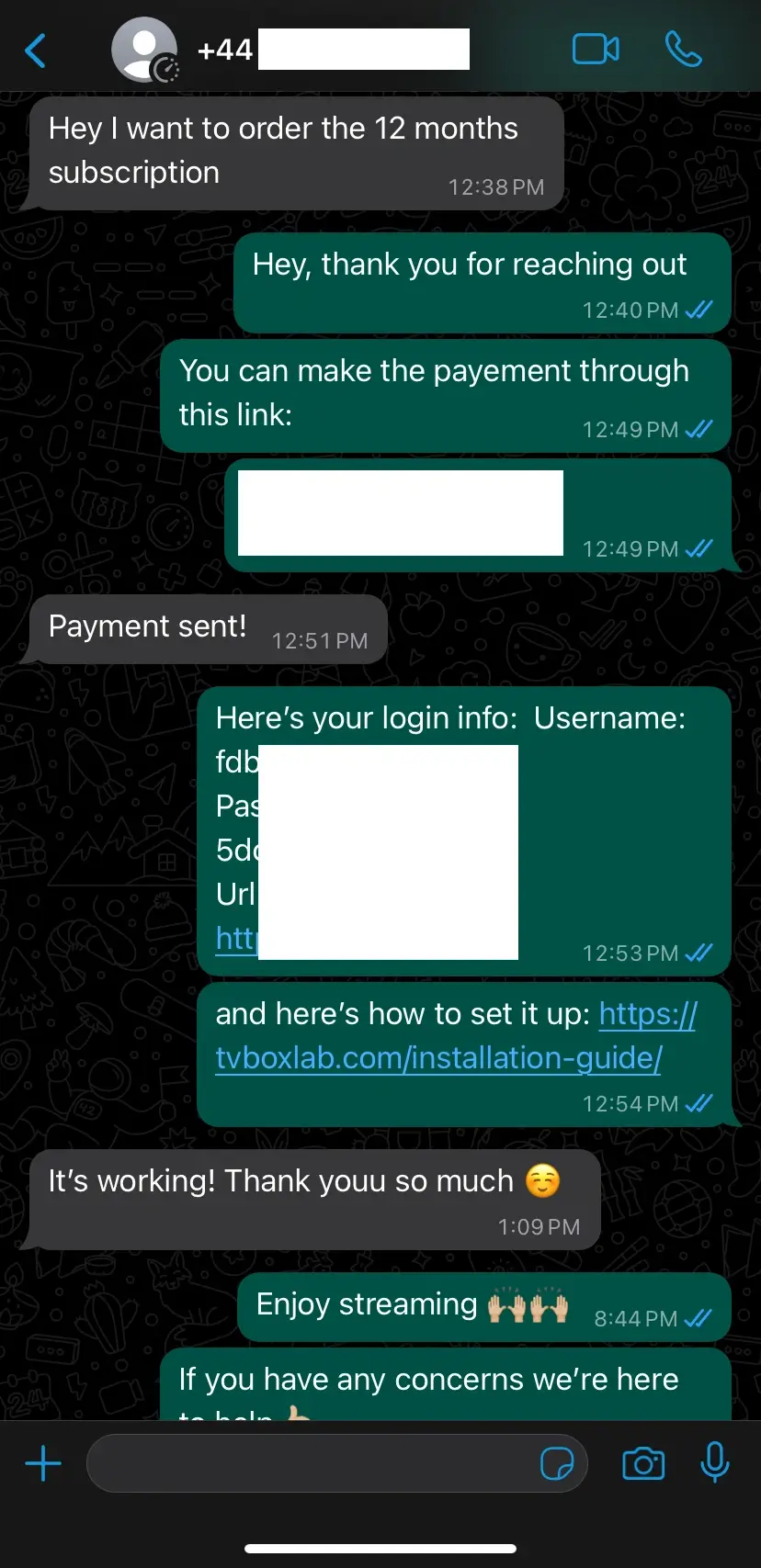
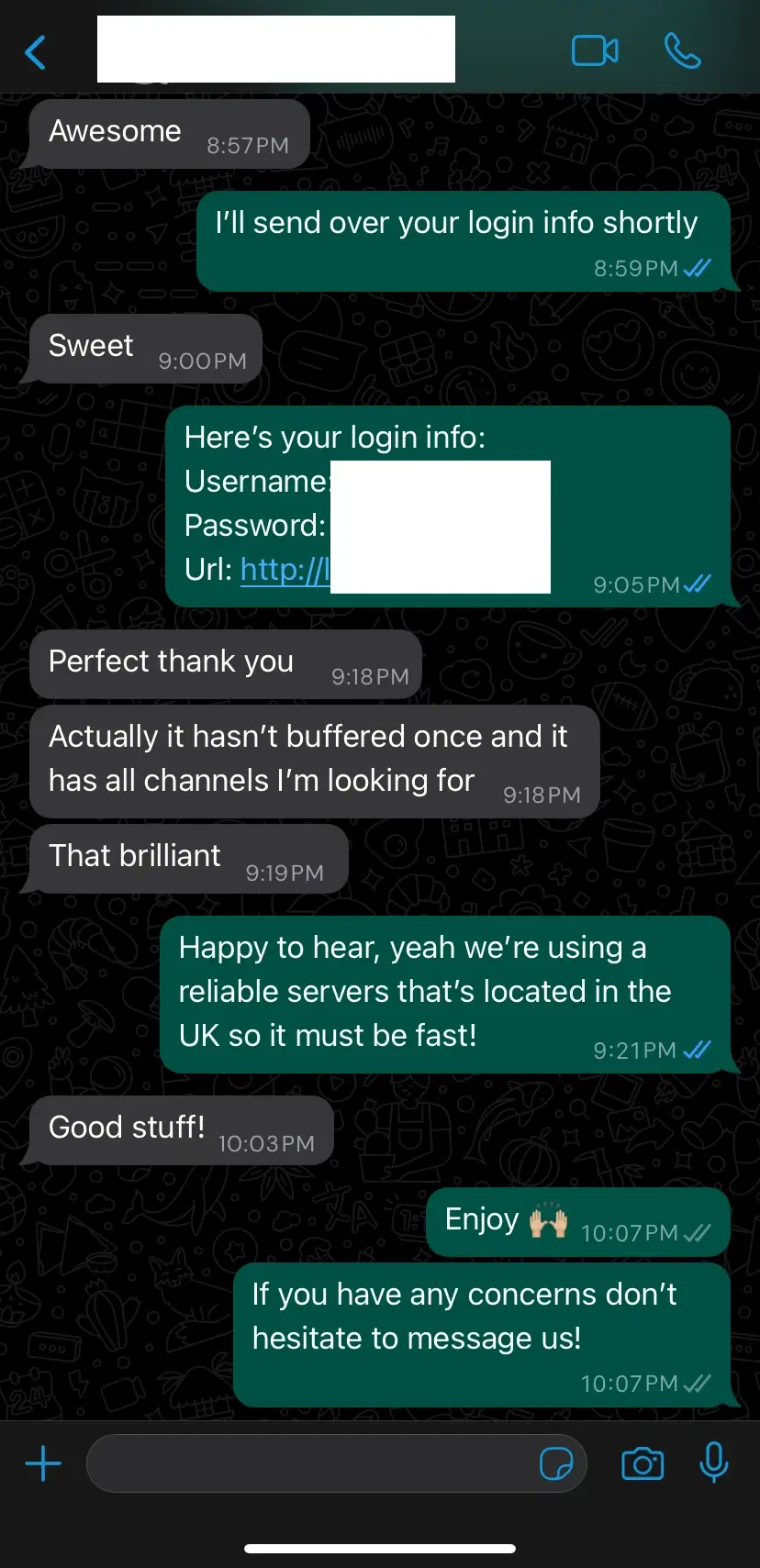
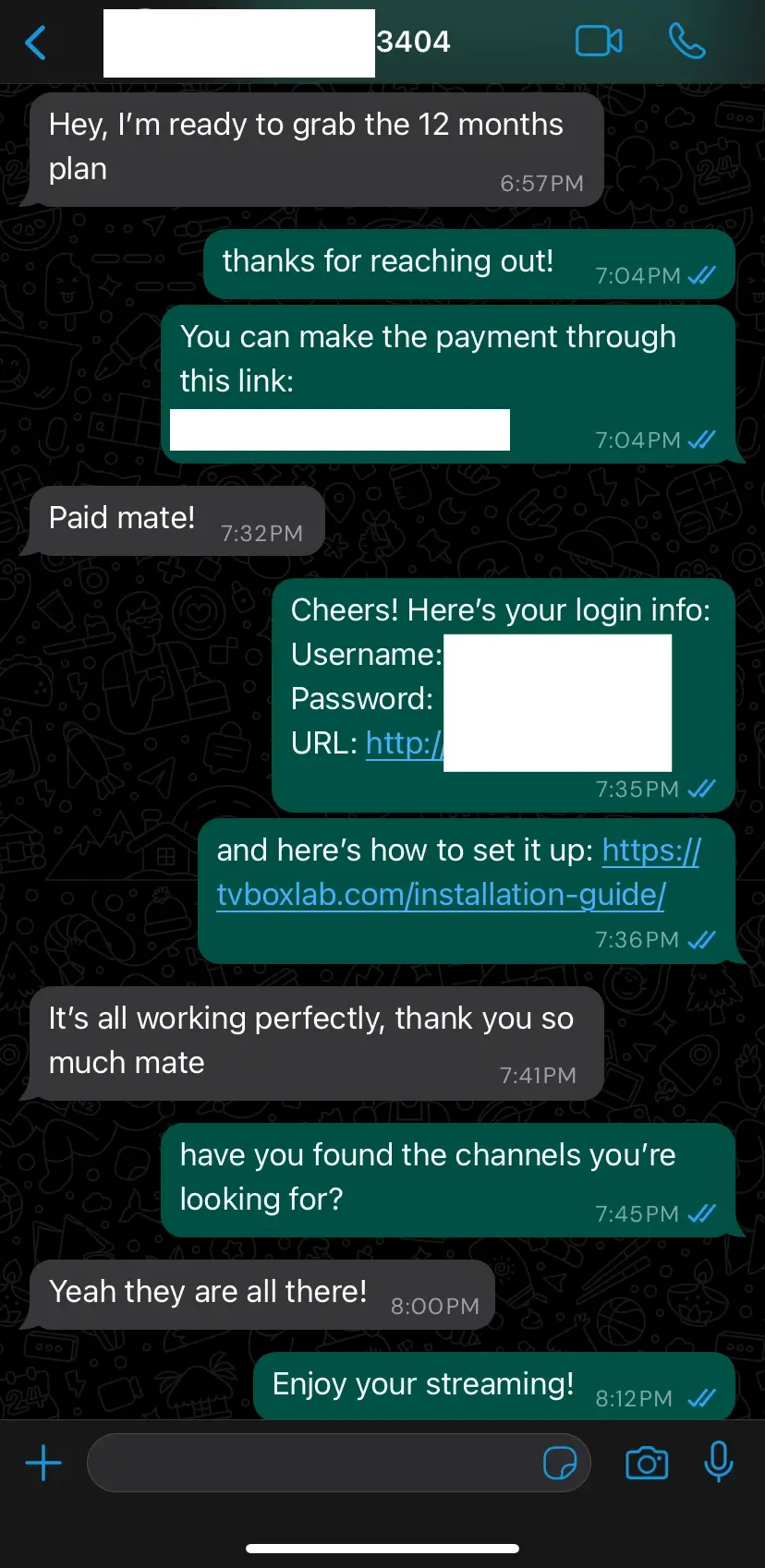
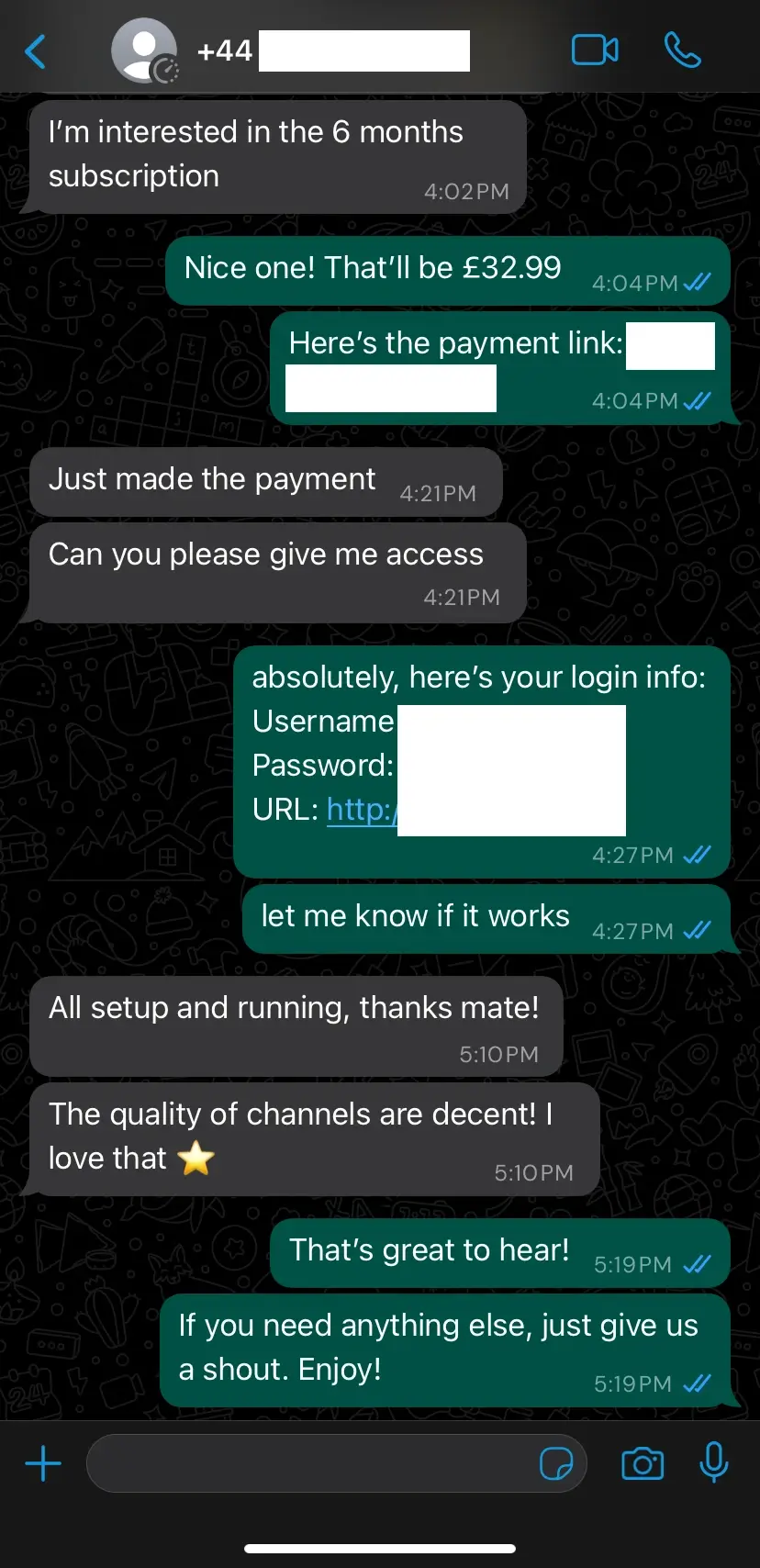
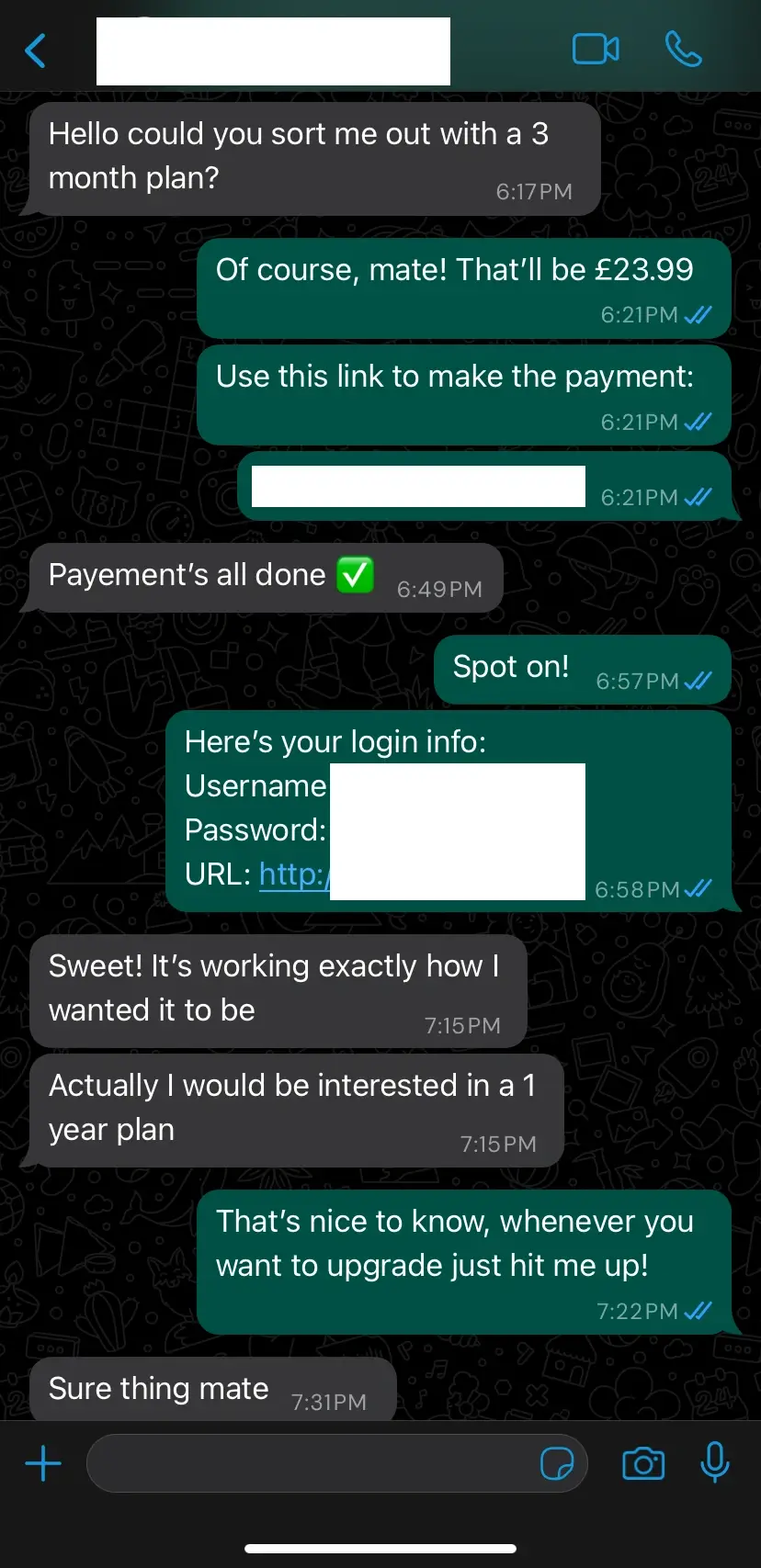
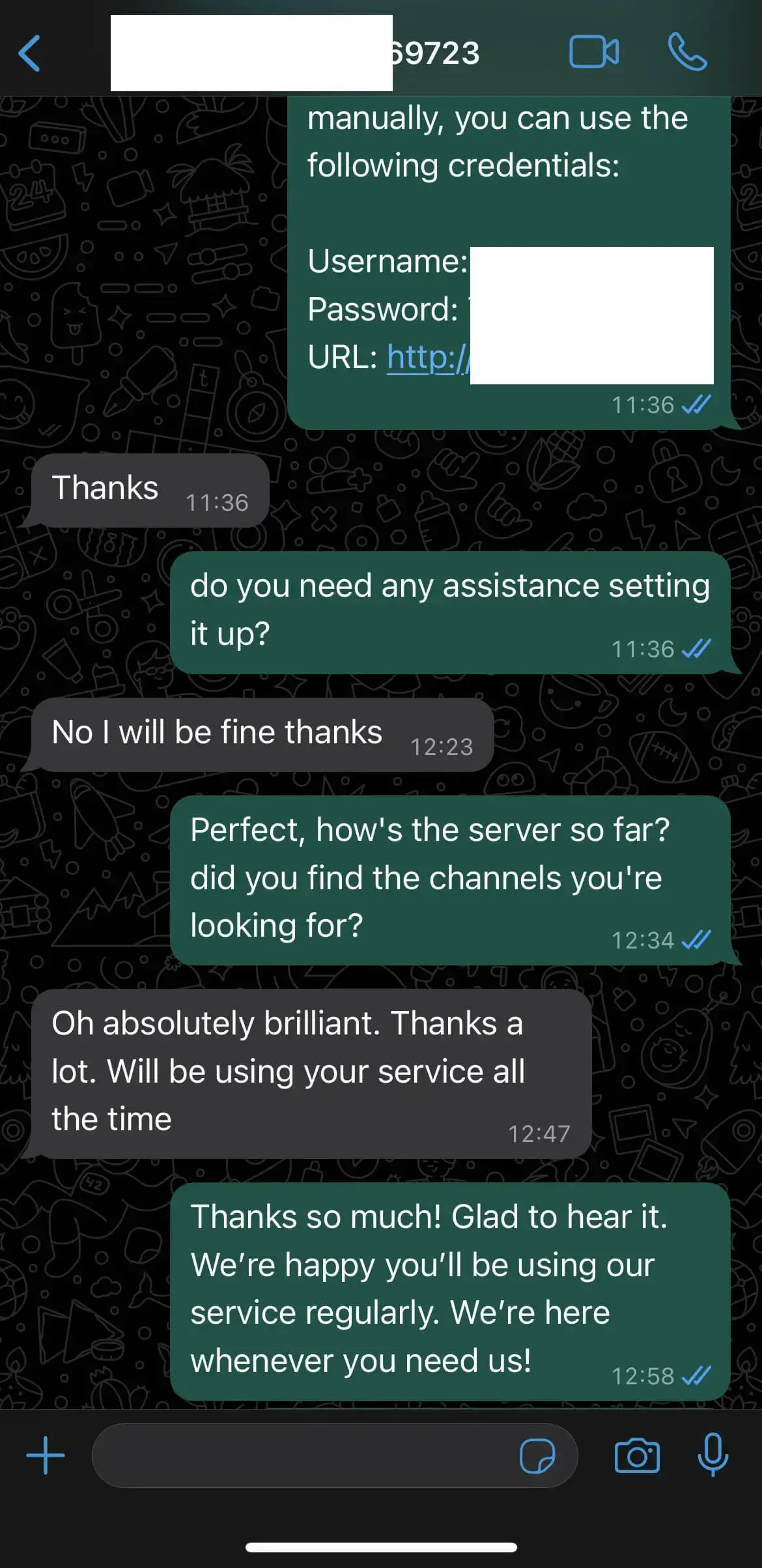
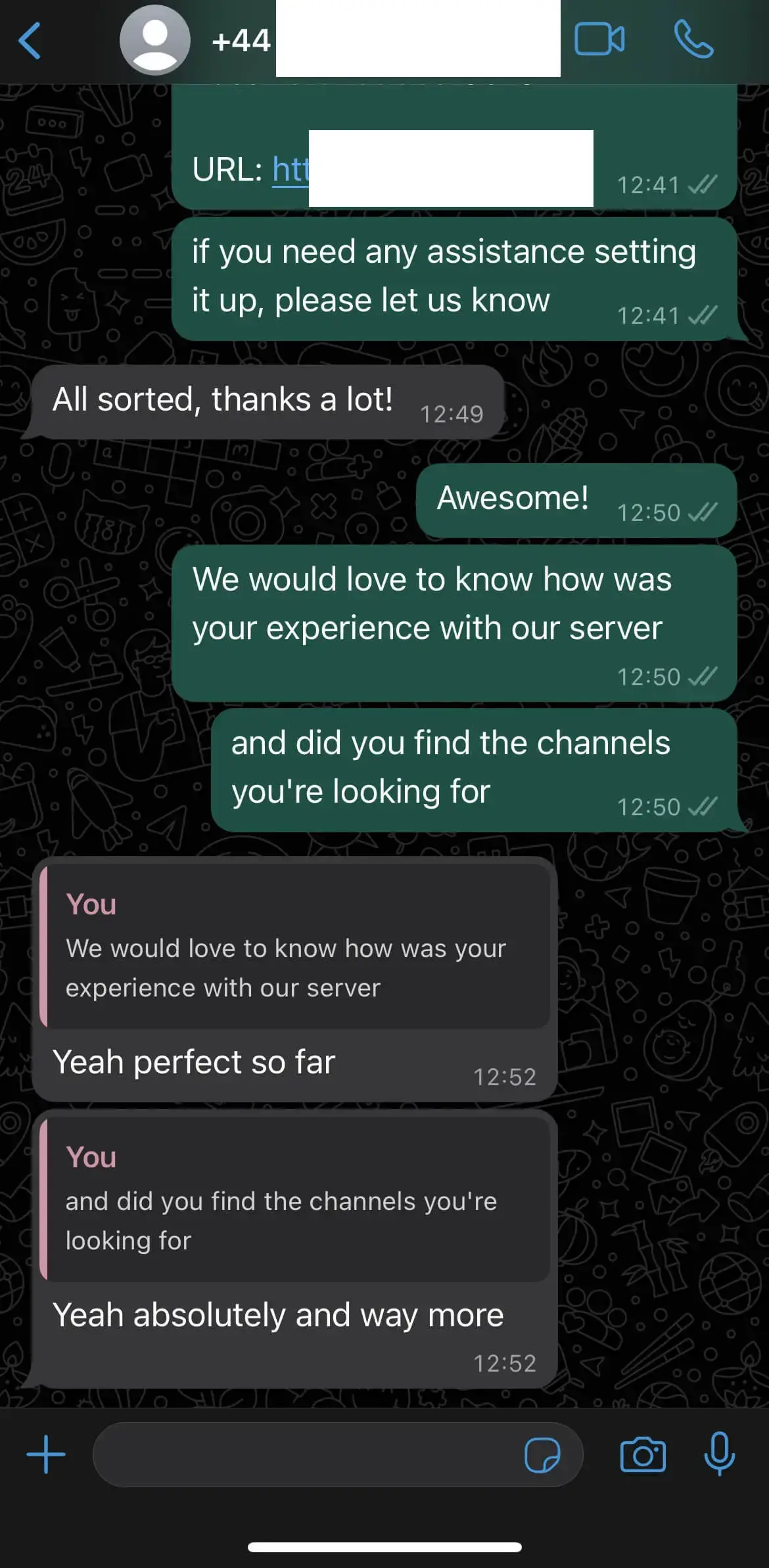
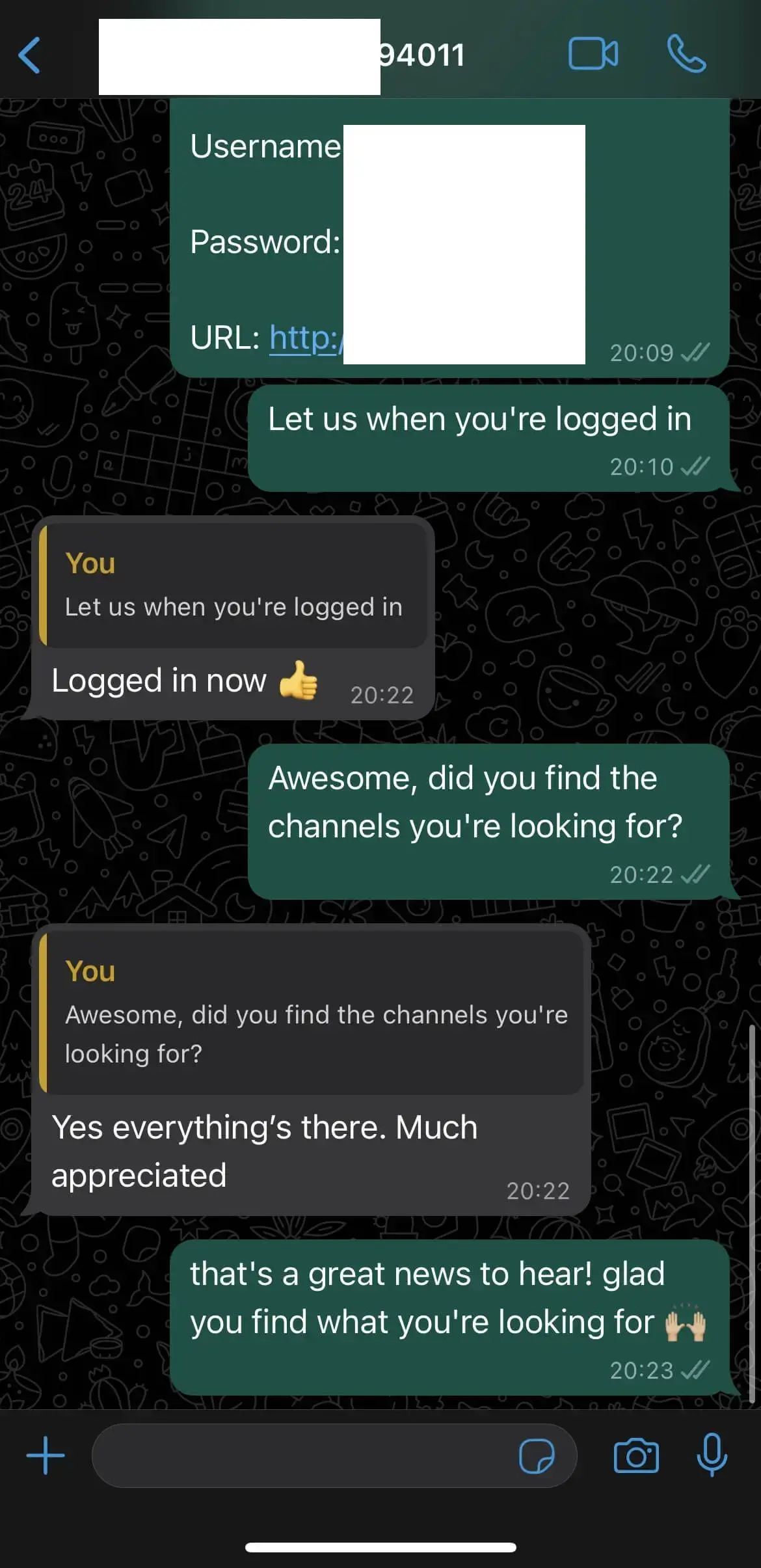
Screenshots from UK customers after setting up, including the ones who arrived sceptical about the 4K claim.
In 4K by this evening
Two quick checks, one message, then you are watching. All of it from where you are sitting now.
- Step 1
Check your TV
Look for 4K or Ultra HD on the box, the remote or in the picture settings. Most sets sold since about 2018 have it.
- Step 2
Check your broadband
Around 25 Mbps gives you room for 4K. Any speed test on your phone will tell you in ten seconds.
- Step 3
Message us
Tell us your TV or stick, pay the £14.99, and your login comes back in about ten minutes.
- Step 4
Open the 4K section
The 4K channels sit in their own group in the guide, so you are not hunting through the list for them.
What people ask about 4K
Do I need a 4K TV to use this?
For the 4K channels, yes. On an HD television everything still works perfectly well, it simply plays in HD. Nothing breaks and you are not paying extra for the 4K channels either way, since it is one price for the whole package.
What internet speed do I need for 4K IPTV?
About 25 Mbps for a comfortable 4K stream and 15 Mbps for HD. Run a speed test on your phone while standing next to the TV, because that tells you what the TV actually receives rather than what the package promises.
Why does the picture sometimes drop to HD?
Your connection dipped for a moment and the stream stepped down to keep playing rather than freezing. It climbs back up on its own once the line steadies. If it happens constantly, a cable from the router to the TV usually sorts it.
Are all the channels in 4K?
No, and be wary of anyone who says theirs are. A channel can only arrive in 4K if the broadcaster produced it that way. Big sport, new films and the dedicated Ultra HD channels are where you will find it, and those sit in their own group in the guide.
Will 4K work on a Fire Stick?
On the Fire Stick 4K and 4K Max, yes. The basic Fire Stick and older Lite models are HD only, which is a limit of the stick rather than the service. Apple TV 4K, Nvidia Shield and most 4K Smart TVs handle it as well.
Does 4K cost more than the standard package?
No. It is £14.99 for 30 days with everything included, 4K channels among them. There is no picture-quality tier to upgrade to and nothing is held back for a more expensive plan.
4K IPTV explained, without the jargon
What is 4K IPTV?
It is live television at 4K resolution, delivered over your broadband instead of through an aerial or a satellite dish. The 4K part describes how sharp the picture is. The IPTV part describes how it reaches your telly. Put together, you get the sharpest picture available today on a TV you already own, without a dish going up on the wall.
Can you really see the difference between 4K and HD?
On a 55 inch screen from a normal sofa distance, yes, and most obviously on sport and nature filming. On a 32 inch bedroom set you would struggle. Size and viewing distance matter more than the number itself, so be honest about your room before you go chasing it.
What broadband speed do you need?
Roughly 25 Mbps for a steady 4K stream, and 15 Mbps is enough for HD. What matters as much as the headline speed is how stable the line is, so plug the main TV into the router with a cable if you can. A busy house on 5GHz wifi is usually fine too.
Why are some channels 4K and others are not?
Because the broadcaster decides. A channel can only reach you in 4K if it was produced and transmitted that way, which is still the exception rather than the rule in the UK. Big sport, big films and dedicated Ultra HD channels are where you will find it. Anyone claiming that all 50,000 of their channels are in 4K is not telling you the truth.
Does 4K use much more data?
Yes, around three to four times what HD uses. That is fine on an unlimited home broadband package, which nearly all UK packages now are. It is worth knowing if you are watching through a mobile hotspot or a capped connection.
Where does this stand legally?
IPTV itself is legal. It is television sent over the internet, and the major broadcasters use the same technology. What matters is whether you are entitled to watch a particular channel where you live, and that part is down to you. We explain the UK position in full. Is IPTV legal in the UK?
See it on your own telly
The only opinion that counts is yours, from your sofa, on your screen. £14.99 for 30 days, with 7 days to change your mind.